It’s 4:15 PM on a Sunday. The Chiefs are driving down the field in the fourth quarter, third and goal, and your screen freezes. Not a little stutter a full buffering wheel, spinning uselessly while the crowd noise cuts out. By the time the stream recovers, you’ve missed the touchdown, your group chat has already exploded, and you’re left staring at a replay nobody asked for.
If you’ve spent any time looking for the best IPTV service in USA, you already know this feeling. It happens more than anyone admits not because IPTV is broken, but because most people are subscribed to the wrong provider.
🔥 Ready to Stream Without Buffering?
Choose a reliable IPTV service built for U.S. sports, movies, and live TV optimized for stability during peak hours like NFL, NBA, and UFC nights.
✔️ Fast HD & 4K Streams
✔️ U.S. Sports & Local Channels
✔️ Works on Firestick, Smart TV & Android
✔️ Anti-freeze & stable servers
✔️ Instant setup with Xtream Codes
👉 Test it before you commit start with a short plan and experience real performance during live events.
Choose your IPTV subscription and start streaming today:
01 Month $11.99 • Test Stability & Performance
03 Months $23.50 • Best Balance of Price & Reliability
06 Months $35.00 • Long-Term Smooth Streaming
12 Months $47.00 • Best Value for Heavy Sports Fans
What Actually Defines a Good IPTV Service for the U.S. Market
Before we get into specifics, it helps to understand what you’re actually evaluating. Most people shopping for IPTV in the USA look at two things: price and channel count. Both are basically useless indicators of quality.
Uptime and server stability are the real metrics. A provider with 10,000 channels running on undersized infrastructure will freeze constantly during peak hours. A provider with 3,000 well-managed channels on properly distributed servers will barely ever buffer. The difference in day-to-day experience is enormous.
For U.S. users specifically, you want servers physically located in North America. Streaming NFL Sunday Ticket content or an NBA playoff game from a European CDN adds latency and creates exactly the kind of instability you’re trying to avoid. Good providers maintain U.S.-based or North America-facing server infrastructure. Not all of them do even ones that claim to.
Video quality matters, but it’s more nuanced than it sounds. You want FHD (1080p) for most sports content, and 4K where your TV and connection can support it. But a rock-solid 720p stream beats a constantly-stuttering 4K one every single time. Quality on paper doesn’t mean much if the delivery is unreliable.
Local channels are something a lot of IPTV buyers overlook until they realize they’re missing them. CBS, NBC, ABC, Fox, and local affiliates matter especially for sports, local news, and events that don’t appear on cable-only networks. The better U.S.-focused IPTV providers carry solid local channel coverage, though it varies considerably by region.
VOD libraries have gotten much better across the industry, but they’re still wildly inconsistent. Some providers maintain well-organized, regularly updated catalogs. Others have libraries that are months out of date, poorly categorized, and riddled with dead links. If on-demand content matters to you, test it during any trial period.
Customer support is the thing people think they won’t need until they desperately do. At 10 PM on a Saturday when your stream goes down and you can’t figure out if it’s your setup or the provider, you want someone who responds in under a couple of hours not a generic ticket system with a 48-hour reply window.
Why So Many Cheap IPTV Services Fail Especially on Weekends
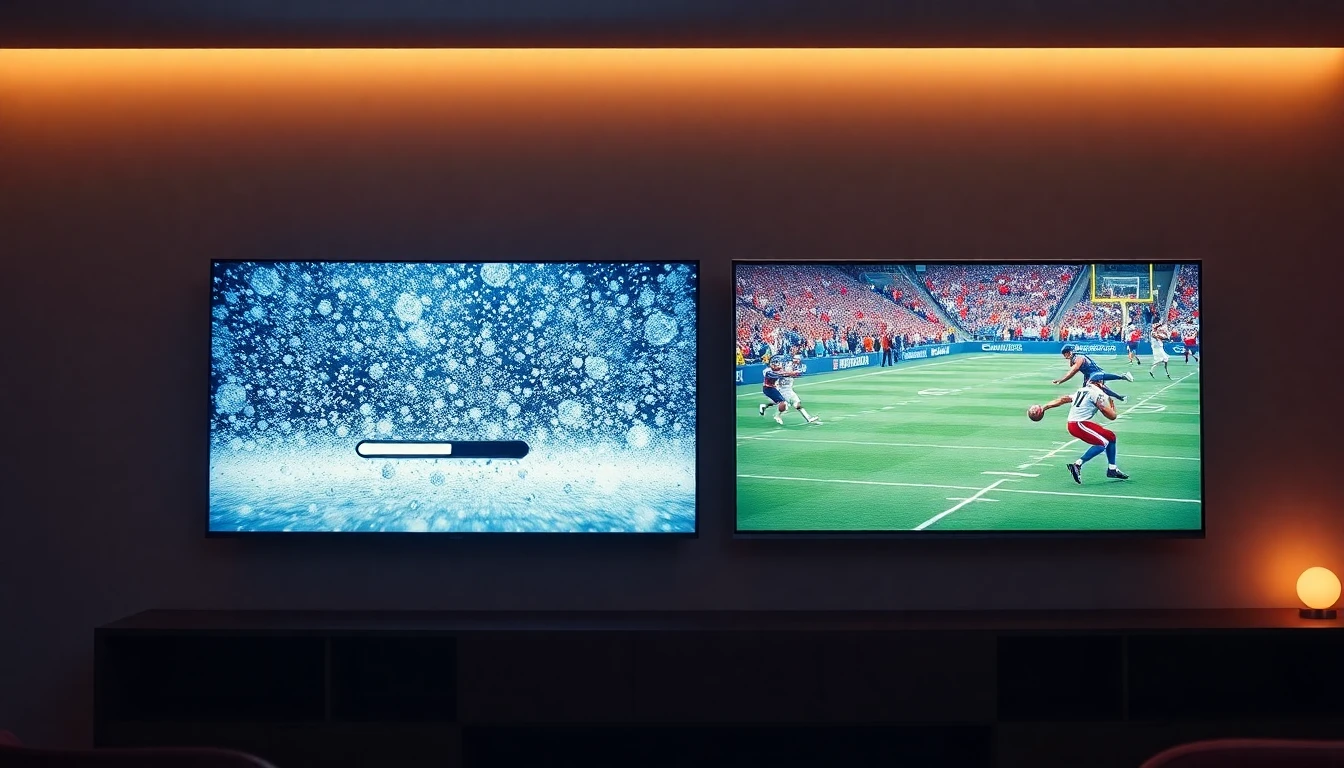
Here’s something that took me a while to really understand: a lot of IPTV providers are essentially resellers. They don’t own their own infrastructure. They’re buying server access wholesale and repackaging it under their own brand. When that upstream provider has issues, or when demand spikes beyond what the shared infrastructure can handle, everyone suffers.
This explains the pattern a lot of users notice: the service works fine on a Tuesday afternoon, but falls apart completely during Sunday Night Football or an NBA playoff game. It’s not random. Those are peak demand moments when overloaded servers can’t keep up with the traffic.
Many users eventually move toward a more reliable IPTV service focused on stability rather than inflated channel counts.
The channel count thing becomes clearer once you understand this dynamic. Advertising 20,000 channels is easy when you’re just aggregating low-quality streams from multiple sources. The harder problem the one worth paying for is maintaining stable, high-quality delivery for those channels under real load conditions.
Some telltale signs you’re dealing with an underpowered provider:
- The service works great for the first few days of a trial, then degrades once you’re locked into a subscription
- Buffering issues are consistently worse on weekends and during major events
- The EPG (electronic program guide) is frequently wrong, missing, or several hours off
- Support either doesn’t respond or gives you generic “check your internet” answers for problems that are clearly on their end
- Their server location is vague, or they route everything through European infrastructure for U.S. content
None of these problems get fixed by restarting your router.
What to Actually Check Before You Pay for an IPTV Subscription
Always test before you commit. Any reputable IPTV provider should offer at least a 24–48 hour trial, and many offer 72-hour or full-week tests. Use that trial window during a time when live content you care about is actually airing. Don’t just flip through channels watch something for 30 minutes, especially live sports if that’s your priority.
Before committing long-term, it’s worth understanding how IPTV subscription plans work, especially when it comes to server quality, simultaneous connections, and trial access.
Ask about U.S. server locations. You don’t need a detailed infrastructure map, but a provider should at least be able to confirm they have servers in North America. Vague answers here are a red flag.
Check Xtream Codes / Xtream UI compatibility. Most good IPTV apps in the U.S. ecosystem IPTV Smarters Pro, TiviMate, Smarters Player Lite rely on Xtream Codes API. This lets you log in with a username, password, and server URL rather than dealing with raw M3U links. It’s cleaner, more reliable, and easier to manage. Some providers only offer M3U links, which work but are less flexible and harder to troubleshoot.
Verify EPG quality. A solid electronic program guide makes a huge difference in daily usability. If the guide is missing channels, showing wrong content, or perpetually a few hours off, that’s a sign the provider isn’t investing in the basics.
Simultaneous connections. If you’re planning to use IPTV on multiple devices Firestick in the living room, an Android TV box in the bedroom, maybe something on a tablet you need a plan that supports at least two or three simultaneous connections. Most providers offer this at higher tiers. Confirm it before you buy.
Best Devices for IPTV Streaming in the USA
The device matters more than most people realize, especially when you’re dealing with a stream that’s pushing 1080p or 4K.
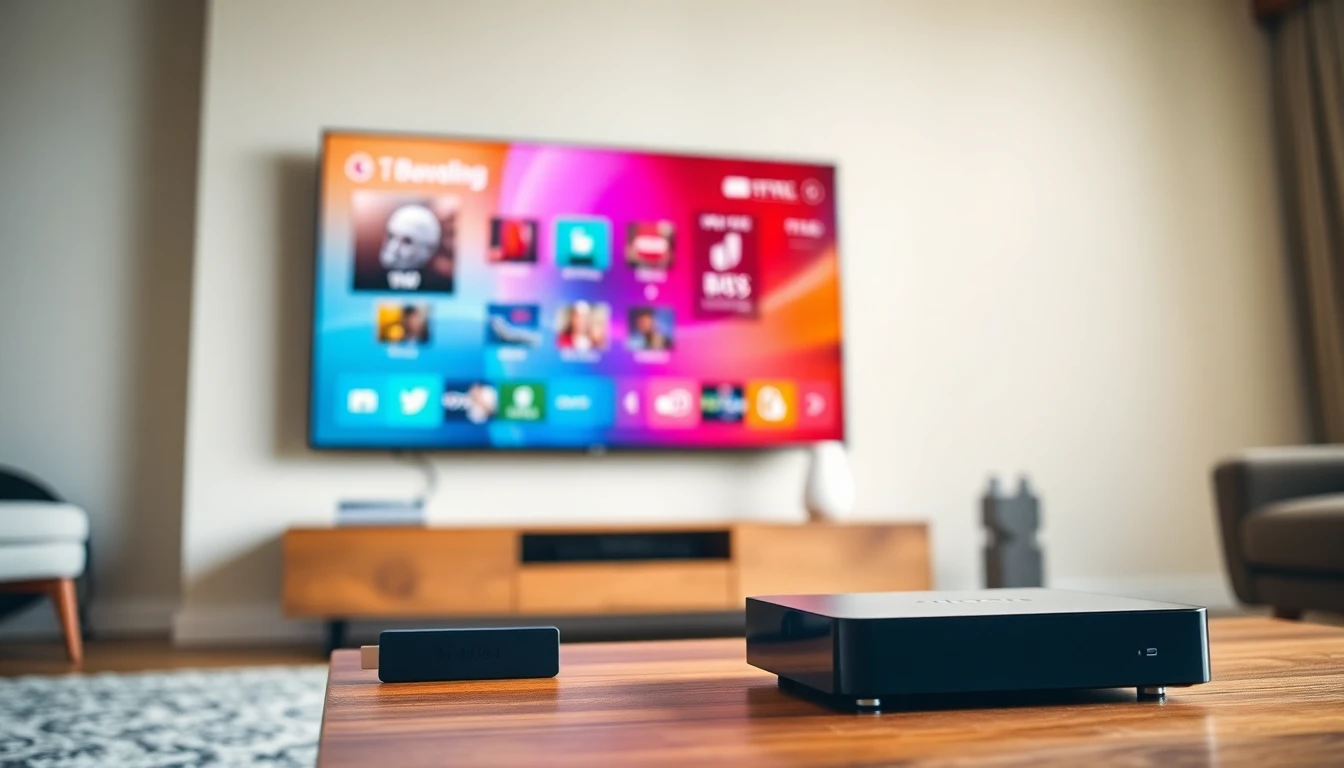
Amazon Firestick is probably the most common IPTV device in U.S. households at this point. The 4K Max variant handles high-bitrate streams reasonably well. You’ll need to sideload apps since most IPTV applications aren’t in the official Amazon store, but it’s a straightforward process that takes about ten minutes once you know the steps.
Android TV boxes give you more flexibility and generally better processing power than Firesticks at similar price points. Brands like Formuler and Mecool have built decent reputations in the IPTV community. If you’re serious about picture quality and stability, an Android box running TiviMate is genuinely one of the better setups available.
Nvidia Shield is the premium option. It’s expensive relative to the alternatives, but the hardware is robust, the Android TV implementation is clean, and it handles demanding streams without breaking a sweat. If you’ve got a high-end TV and want the best possible IPTV experience, it’s worth considering.
Smart TVs with native Android TV (Sony, Philips, TCL with Google TV) can run IPTV apps directly, which is convenient. Performance varies by the TV model’s processor some handle streams beautifully, others chug on 4K content.
iPhone and iPad work well with apps like IPTV Smarters or GSE Smart IPTV. It’s a solid option for travel or secondary viewing. Just be aware that iOS apps for IPTV sometimes lag behind their Android equivalents in terms of features.
PC and Mac via VLC, the Smarters web player, or dedicated desktop clients work fine if you’re watching at a desk. Not ideal for a living room setup, but perfectly functional for casual use.
IPTV for American Sports Fans: The Real Test
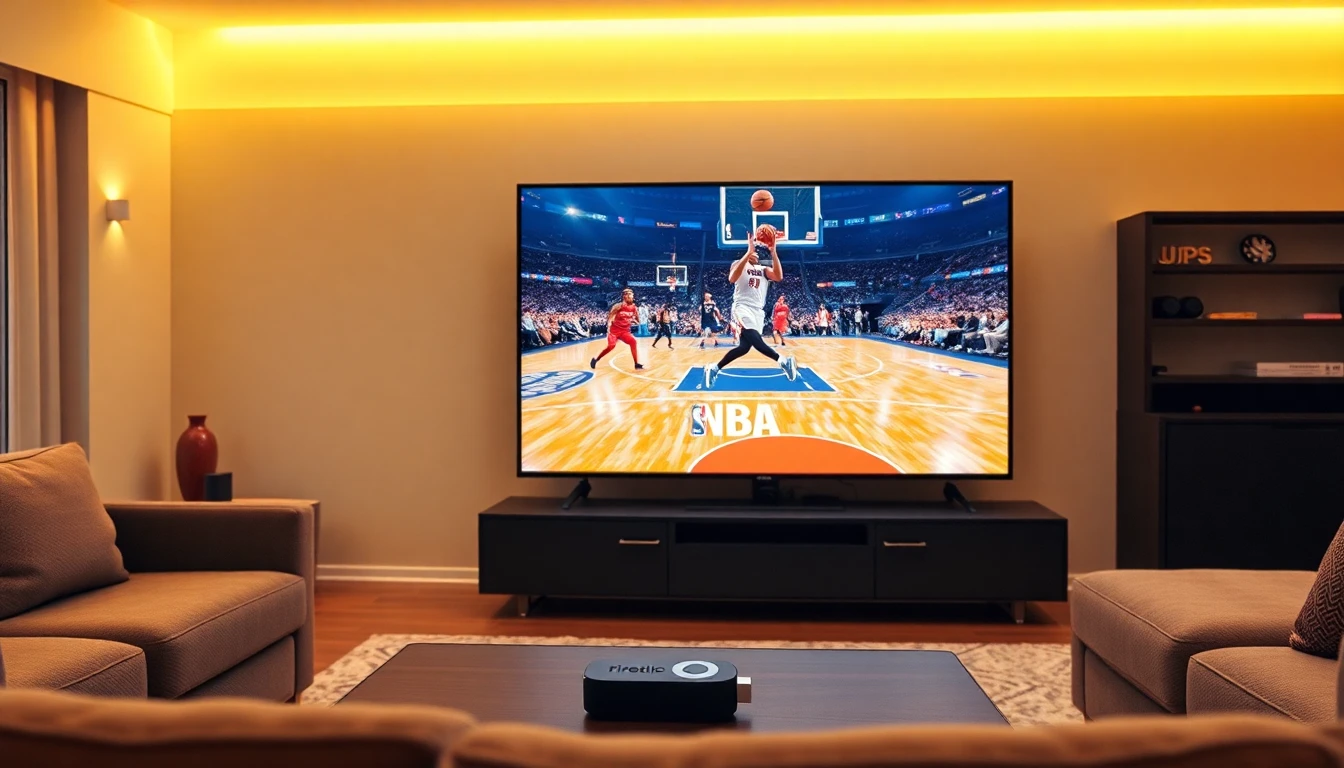
Let’s be honest for a lot of people in the U.S., the entire reason to get IPTV is sports. NFL, NBA, MLB, UFC, college football. These are the moments where your service either earns your loyalty or loses it permanently.
NFL Sundays are the single biggest stress test for any IPTV provider targeting the U.S. market. Every regional game, Sunday Night Football, Monday Night Football, Thursday Night Football all of it puts enormous demand on servers simultaneously. Providers that can’t handle this kind of traffic without buffering are simply not ready for the American market, regardless of what their marketing claims.
NBA playoffs bring similar pressure, especially during prime evening games. The difference with basketball is that pace matters even more a streaming delay or freeze during a fast break sequence is immediately noticeable in a way that doesn’t happen with slower sports.
UFC PPV nights are genuinely brutal for IPTV stability. A major card can have millions of simultaneous viewers trying to stream through shared infrastructure. If your IPTV provider doesn’t scale for this, PPV night becomes a frustrating experience of refreshing, switching backup streams, and hoping the main event doesn’t buffer at a critical moment.
What separates providers who handle this well from those who don’t usually comes down to whether they’ve invested in adequate redundancy. The best services maintain backup streams for their most popular channels so if the primary feed goes down, you switch to a backup within seconds rather than staring at a loading screen. This is a feature worth specifically asking about.
Common Mistakes IPTV Users in the USA Keep Making
Buying the cheapest service available. There’s a floor below which IPTV quality becomes unusable. Services priced at $5–8/month almost universally cut corners on infrastructure. You get what you pay for, and in this category, paying almost nothing buys you a service that works fine until you actually need it.
Ignoring Ethernet. WiFi is convenient, but it introduces variability that can cause buffering issues even when your ISP speeds are technically fine. If your streaming device is anywhere near your router, a wired connection eliminates an entire category of problems. This one tip alone fixes a surprising number of “my IPTV buffers” complaints.
Using bad apps. There are dozens of IPTV player apps, and the quality varies enormously. IPTV Smarters Pro and TiviMate are the most consistently reliable options for Xtream Codes-based services. VLC works in a pinch. The default players included or suggested by some providers are often terrible. Don’t assume the app they recommend is the best option.
Not testing before paying for a full year. A lot of providers push discounted annual plans. Don’t take one until you’ve thoroughly tested the service during peak hours. A monthly subscription for the first couple of months is worth paying for the certainty it buys you.
Advanced Tips to Actually Improve Your IPTV Performance
Switch to ExoPlayer in your IPTV app’s settings if you’re on Android. It handles high-bitrate streams better than the default software player in many scenarios, particularly for 4K and FHD content with higher bitrates.
DNS matters. Default ISP DNS can sometimes throttle or interfere with IPTV traffic. Switching to Cloudflare (1.1.1.1) or Google DNS (8.8.8.8) at the router level often reduces buffering that has nothing to do with your provider’s servers.
VPN usage is complicated. Some users swear by VPNs for IPTV; others find it makes things worse. The truth: a VPN can help if your ISP is actively throttling streaming traffic, but it adds latency that can hurt performance if your ISP isn’t the problem. Test without a VPN first. Only add one if you’re specifically seeing throttling symptoms (speeds fine during the day, consistently bad during evening peak hours for streaming specifically).
Clear your app cache regularly on Firestick and Android devices. Over time, IPTV apps accumulate cached data that can slow performance. A monthly cache clear is good maintenance hygiene.
Keep your Firestick cool. This sounds trivial, but Firesticks throttle their processor when they overheat, and poor ventilation is a genuine cause of streaming degradation. Don’t plug a Firestick directly into the back of a TV where there’s no airflow use the HDMI extender cable that comes in the box.
Realistic FAQ
Why does my IPTV buffer more at night? Evening hours (roughly 7–11 PM EST) are peak internet usage times in the U.S. Your ISP’s network gets congested, and if your IPTV provider’s servers are undersized, they get overwhelmed simultaneously. Both problems compound each other. Ethernet helps with your end of it; there’s not much you can do about an overloaded provider’s infrastructure except switch providers.
What internet speed do I need for IPTV? For reliable FHD streaming, 25 Mbps is a reasonable minimum dedicated to the stream. For 4K, you want 50+ Mbps available. But raw speed matters less than consistency a 100 Mbps connection that fluctuates constantly will cause more buffering than a steady 30 Mbps connection.
What’s the best app for IPTV on Firestick? TiviMate is widely considered the best option for Xtream Codes-based services clean interface, reliable performance, good EPG integration. IPTV Smarters Pro is a solid alternative that’s slightly easier to set up. Both require sideloading on Firestick, which takes about ten minutes.
Xtream Codes API vs M3U which is better? Xtream Codes is generally more stable and easier to manage. M3U links work, but they can break when a provider changes their server configuration, and they’re less flexible for multi-device setups. If a provider supports both, use Xtream Codes.
Can I use IPTV on multiple devices at the same time? Yes, if your subscription plan supports simultaneous connections. Most providers offer this as a tiered feature single connection on the base plan, two or three connections at higher price points. Clarify this before purchasing if you have multiple TVs or devices.
Honest Conclusion
Here’s what it comes down to: the best IPTV service in the USA for you specifically is the one that stays stable during the content you actually care about. If that’s NFL Sunday, test it on NFL Sunday. If it’s NBA playoffs, wait for a playoff game during your trial window and put it through its paces.
Don’t get distracted by channel counts, marketing promises, or low prices. The providers doing this right are investing in infrastructure U.S.-based servers, redundant streams for high-demand channels, functional customer support. That costs money, which is why truly good IPTV isn’t quite as cheap as the budget options that disappoint people.
Take the free trial seriously. Use it during real conditions, not just a casual browse. Watch live sports. Check the EPG. Try it on all the devices you plan to use. That 48 hours of testing tells you more than any review article can.
And if a service lets you down after that buffer constantly on weekends, disappear during major events, ignore your support requests don’t give it a second month. There are enough options in the market that you don’t need to settle for one that doesn’t work.
The streaming should be invisible. When it’s working right, you forget you’re using IPTV at all. That’s the standard worth holding providers to.